Getting started
Start using your journal
Sign in, choose a journal, and understand the navigation.
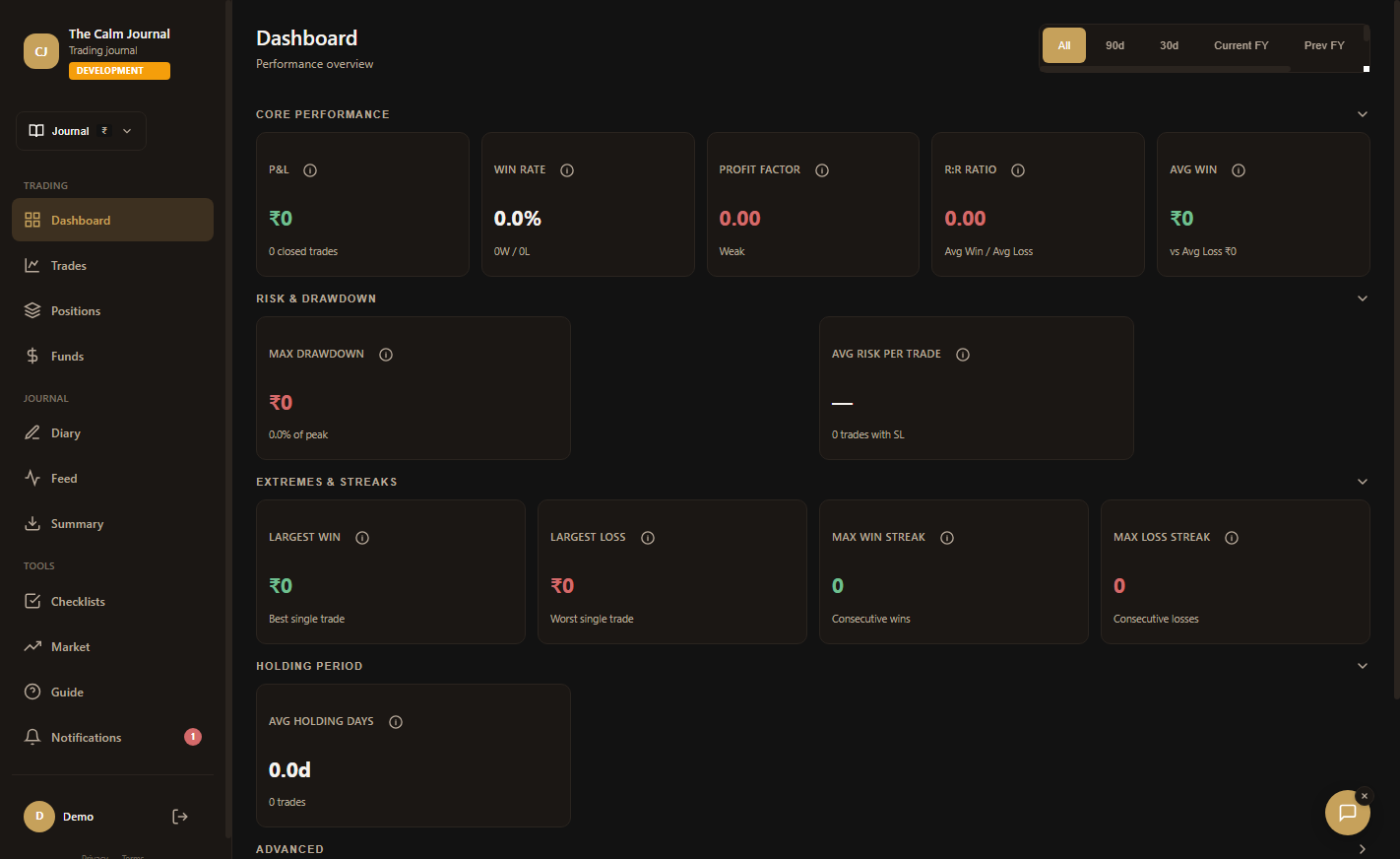 Development build screenprint
 Steps
- Sign in with your email and password, or select Continue with Google.
- Choose a journal from the journal selector at the top of the sidebar. All trades and diary entries shown are filtered to that journal.
- Use the sidebar on desktop. On smaller screens, open the menu with the hamburger button; on phones, use the bottom navigation and More menu.